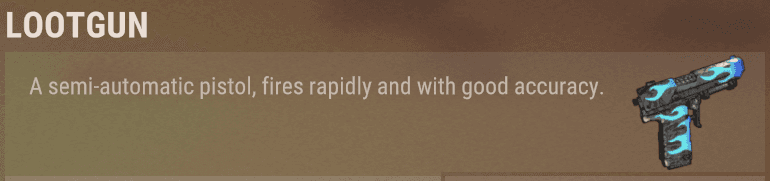
The Lootgun vacuums loot from bags, drop piles, and player corpses directly into your inventory with a single shot.
Gun Types
There are two versions you might receive:
| Gun | What it does |
|---|---|
| Lootgun | Shoots a single bag/pile/corpse and pulls all its loot into your inventory. |
| Upgraded Lootgun | Same as above, but loots everything within a radius of the shot. Great for clearing large loot piles at once. |
Both guns have infinite ammo — you will never need to reload.
Basic Use
- Equip the Lootgun.
- Aim at a loot bag, drop pile, or player corpse.
- Shoot. Items will be transferred directly to your inventory.
Notes:
- The gun deals no damage to players, animals, or structures — it only interacts with loot.
- If your inventory is full, you will receive a warning and any items that did not fit will be left behind.
- There is a short cooldown between shots (a couple of seconds by default).
- Items are automatically merged into existing stacks before taking up new slots.
Loot Notifications
After each shot you will see a chat message listing exactly what was looted and how many of each item, for example:
Looted: 500x Wood, 200x Stone, 1x AK-47If your inventory was full and something could not fit:
Inventory full — some items were left behind!Auto-Recycle
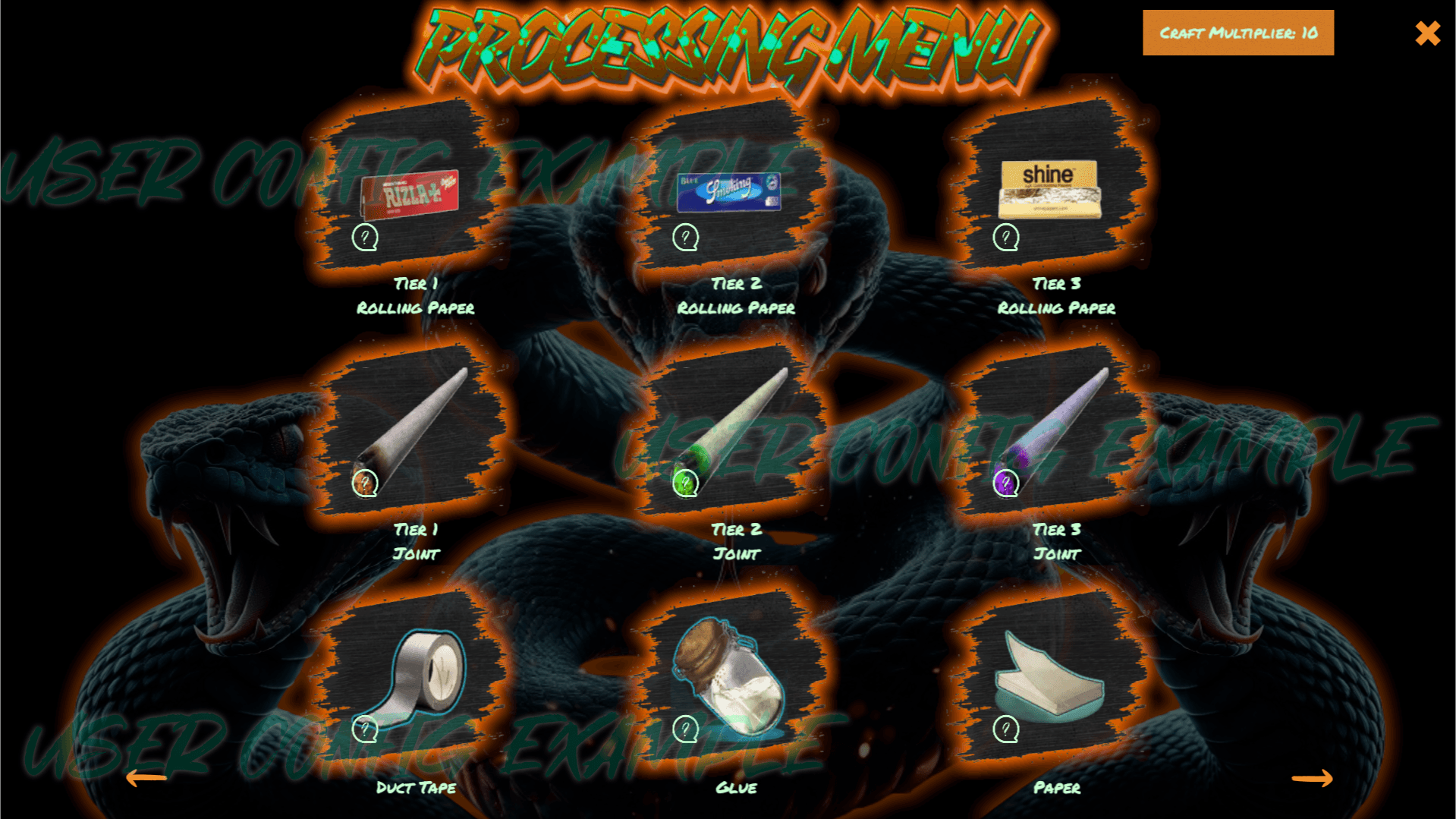
If you have been given the recycle permission, you can turn on Auto-Recycle mode. When active, instead of receiving items directly, they are broken down into raw crafting materials (at a reduced efficiency) before landing in your inventory.
This is useful for quickly turning junk loot into resources without visiting a recycler.
Toggle recycle on/off:
/lootgun recycleWhen you equip a Lootgun, a button will appear on your screen showing the current recycle state. Clicking it also toggles the mode.
Item Blacklist
You can tell the Lootgun to skip certain items so they are never picked up. This is useful if you want to leave behind items you do not need (for example, low-tier clothing or components you are not collecting).
| Command | What it does |
|---|---|
/lootgun ignore <shortname> | Adds or removes an item from your blacklist. Running the same command again removes it. |
/lootgun ignore | Shows your current blacklist. |
Example — skip wooden spears:
/lootgun ignore spear.woodenUse the item's shortname (the internal game name). Examples:
| Item | Shortname |
|---|---|
| Wood | wood |
| Stone | stones |
| AK-47 | rifle.ak |
| Semi-Auto Pistol | pistol.semiauto |
| Scrap | scrap |
If you type a shortname that does not exist, the game will tell you so — no changes will be made.
Loot Stats
Track how much you have looted across all sessions:
/lootgun statsShows:
- Bags looted — total number of bags, piles, and corpses cleared.
- Items collected — total number of individual items received.
Command Summary
| Command | Permission needed | Description |
|---|---|---|
/lootgun recycle | lootgun.recycle | Toggle auto-recycle on/off. |
/lootgun ignore <shortname> | lootgun.use | Add/remove an item from your blacklist. |
/lootgun ignore | lootgun.use | View your current blacklist. |
/lootgun stats | lootgun.use | View your loot statistics. |